AI chatbots that answer
from your own content
Answer questions, capture leads and book appointments on your website.
Train a chatbot on your pages and documents, brand it, and embed it with one snippet. Conversations land in your SmartlyQ inbox and CRM.
30-day money-back guarantee
Website questions arrive when nobody is around
What happens on most business websites today
Visitors ask a question, find a contact form, and leave
Replies go out hours later, after the visitor has moved on
The same questions about pricing, hours and availability are answered by hand every day
Booking a call takes an email back-and-forth instead of a calendar pick
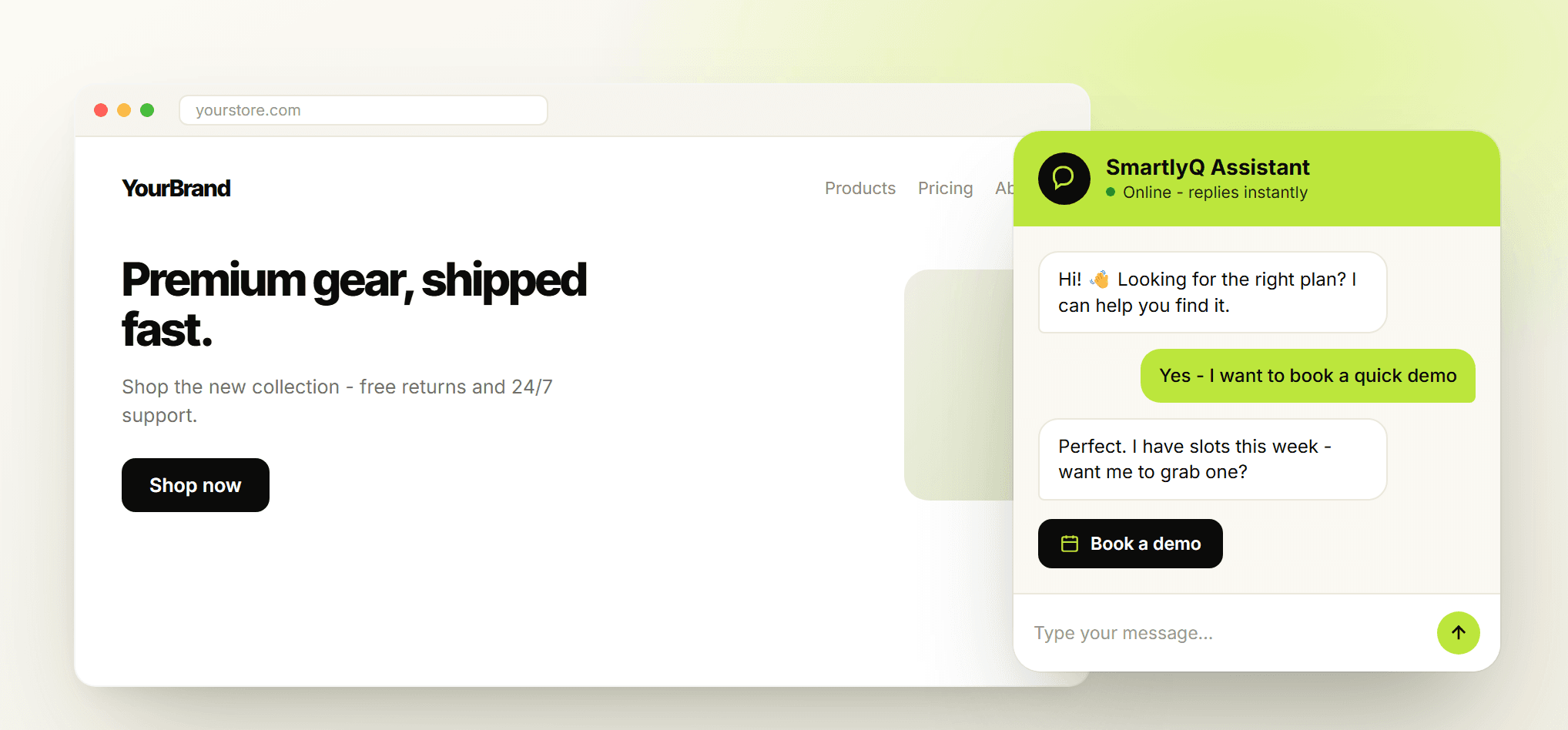
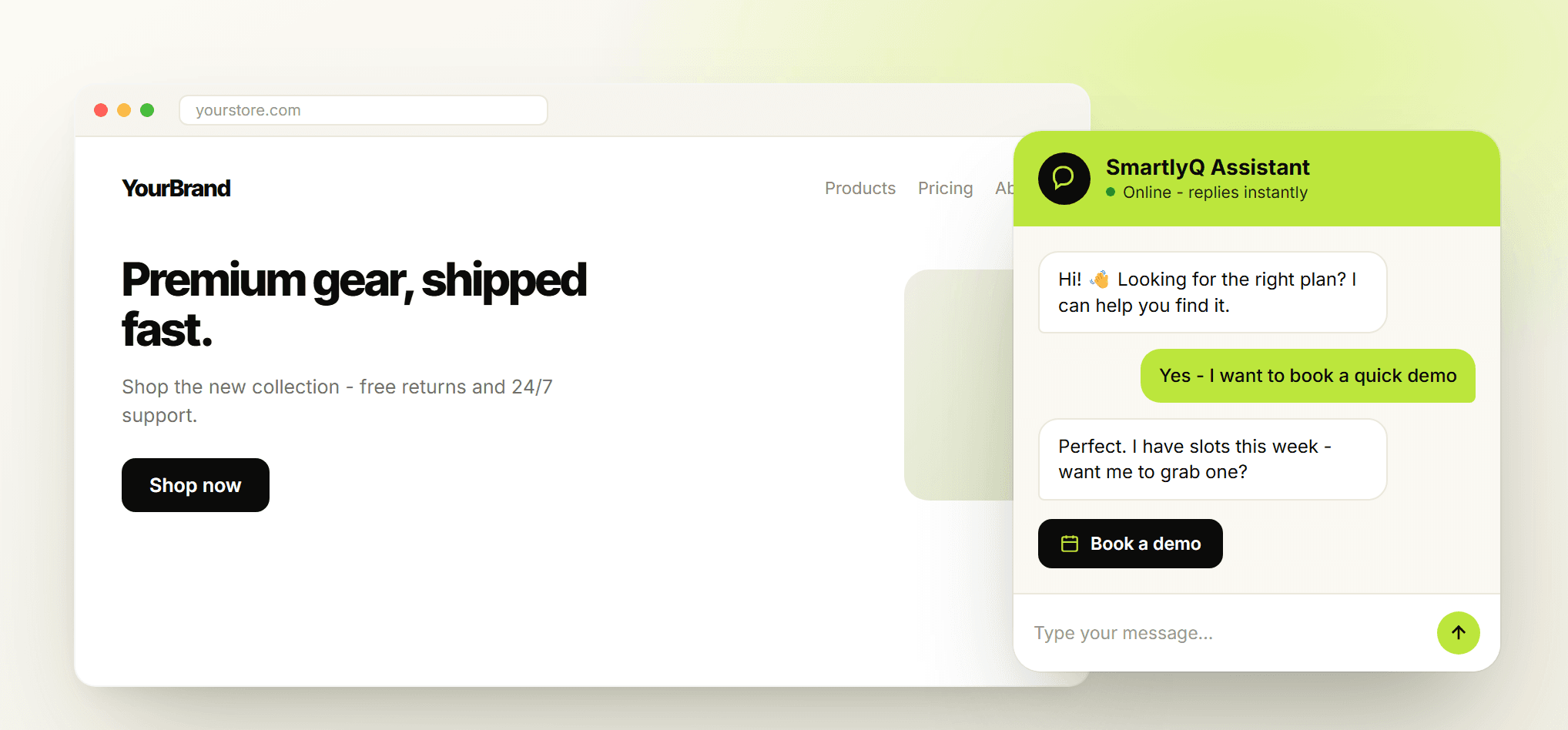
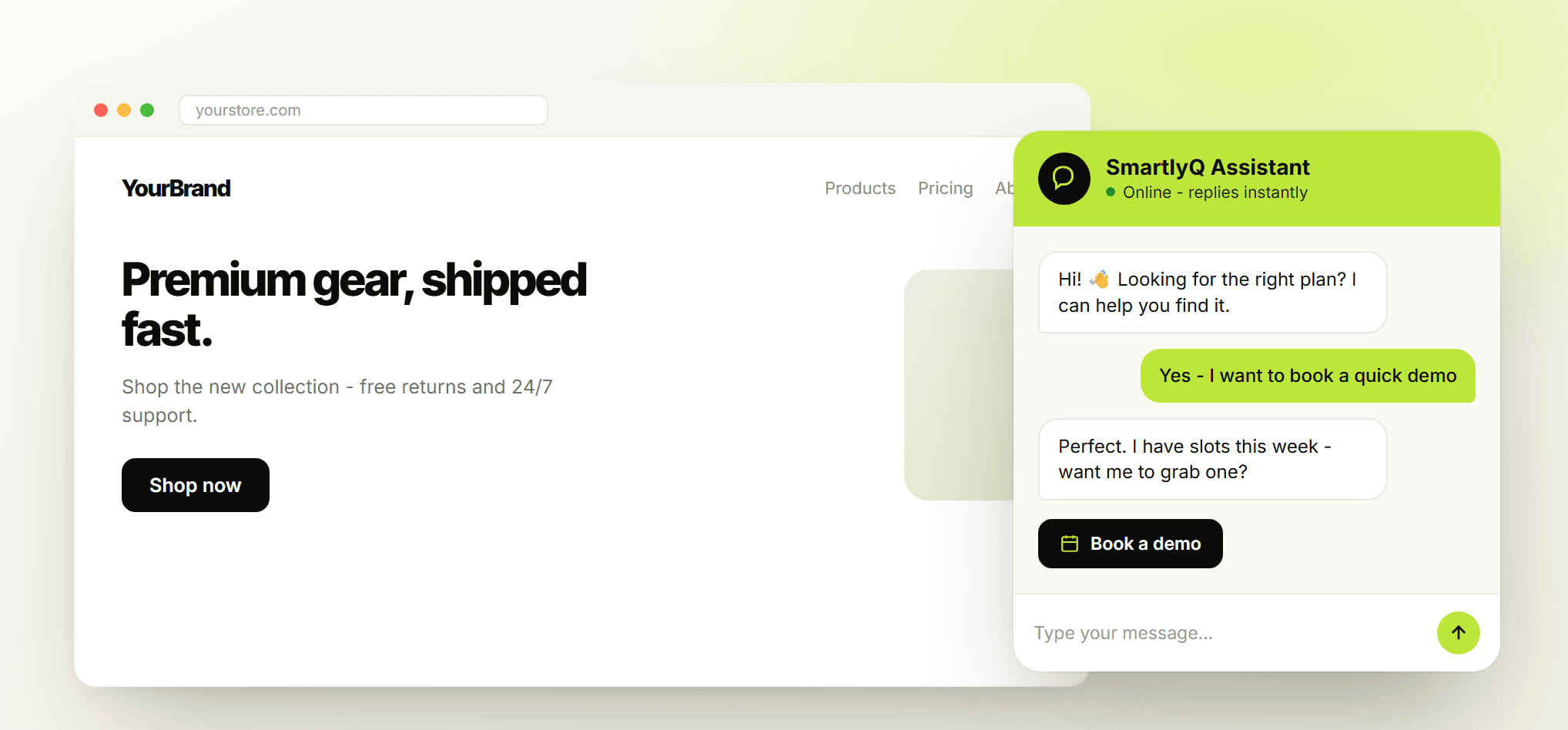
A chatbot trained on your own content answers first, then hands over to you.
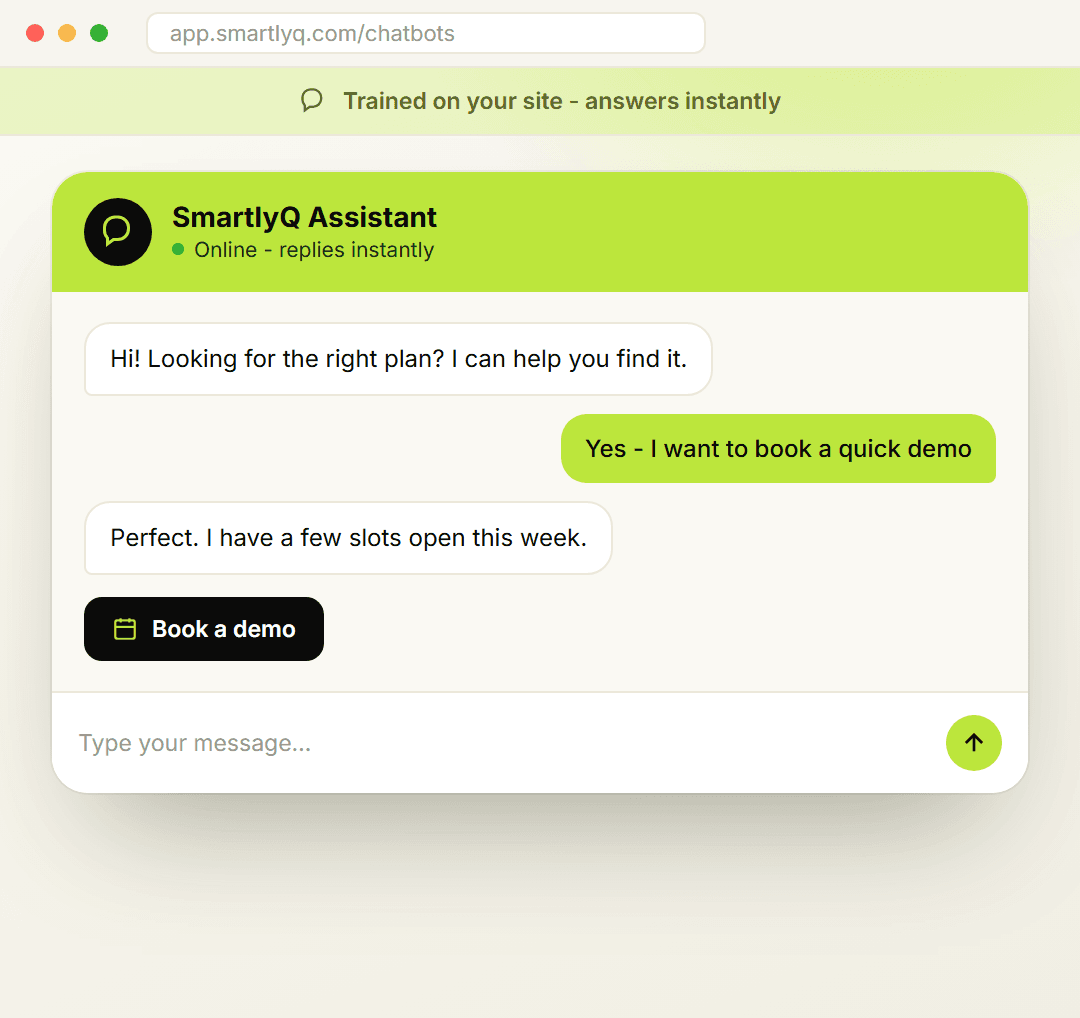
Meet SmartlyQ AI chatbots
Trained on your content, embedded on your site, connected to your CRM
Build a chatbot from your website pages and documents, set the tone and the rules it follows, and add it to your site with one snippet. It answers questions, captures contact details and books appointments.
Every conversation lands in your SmartlyQ inbox, where a person can take over at any time.
How it works
Set up in three steps
Train it on your content
Add your website URL, pages or documents
Write the instructions it should follow
Pick a bot type: support, booking, WooCommerce or Shopify
Brand it and add it to your site
Set the name, colours and welcome message
It answers in the visitor's language
Paste one snippet into your site
Capture and follow up
New contacts are saved to the SmartlyQ CRM
Booking bots offer real slots from your calendar
Hand any chat to a person from the inbox
No code beyond the embed snippet.
What the chatbot does
Conversation engine
● Answers grounded in your own pages and documents
● Remembers the conversation so follow-up questions make sense
● Replies in the visitor's language
● Follows the tone and rules you write in plain text
Bot types
● Support bot for questions about your business
● Booking bot that checks availability and books appointments
● WooCommerce and Shopify bots that answer from your catalogue
● Several bots in one workspace
Appointment booking
● Offers open slots from your SmartlyQ calendar
● Collects name, email and phone before confirming
● Cancels and reschedules inside the chat
● Confirmation email sent to the visitor
Chatbots compared with forms and live chat
How each option handles a visitor with a question at 11pm.
Contact form
- First replyWhen someone checks the inbox
- AvailabilityBusiness hours
- Answers from your contentNo
- Books appointmentsNo
- Saves the contactAs an email
- Human takeoverBy email, later
Staffed live chat
- First replyMinutes, when staffed
- AvailabilityStaffed hours only
- Answers from your contentDepends on the agent
- Books appointmentsManually
- Saves the contactManually
- Human takeoverYes
SmartlyQ chatbot
Best value- First replyImmediately
- AvailabilityAround the clock
- Answers from your contentYes
- Books appointmentsYes, from your calendar
- Saves the contactYes, in the CRM
- Human takeoverYes, from the inbox
Frequently asked
questions
Frequently asked questions
How long does setup take?
Will the chatbot sound robotic?
What happens if it cannot answer a question?
Can it book appointments?
How does it connect to my other systems?
What results can I expect?
Put a chatbot on your site
Trained on your content and connected to your CRM.
What you get:
Chatbots trained on your pages and documents
Booking bot connected to your calendar
Contacts and transcripts in the SmartlyQ CRM and inbox
White-label widget branding
30-day money-back guarantee