SmartlyQ
SmartlyQ AI video generator
Turn text or images into video in minutes
20+ video models, including Pika, Luma Ray, Veo and Kling
Describe the shot or upload a still image, pick a model and download the clip. No editing software and no production crew.



30-day money-back guarantee
Why most teams still skip video
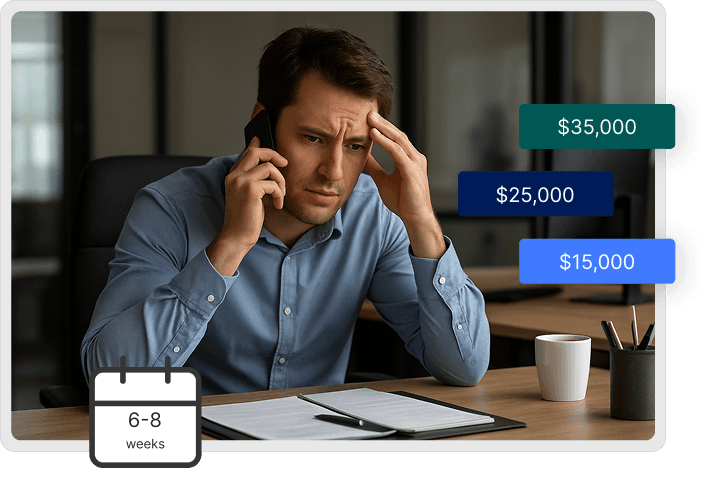
Video is the format that performs and the one most businesses do not make. The usual reasons:
Agencies quote per project and need weeks to deliver
Editing software takes time to learn and longer to use well
Stock footage looks like everyone else's stock footage
One video is a whole project, so testing three versions never happens
How it works
Write a prompt or upload an image, then let the model do the rendering.
Describe the shot in plain language, or upload a product photo, logo or screenshot
Pick a model. Each one has its own look, so try a couple
Generate, review, and rerun with a tweaked prompt if you want a different take
Download in the format your channel needs
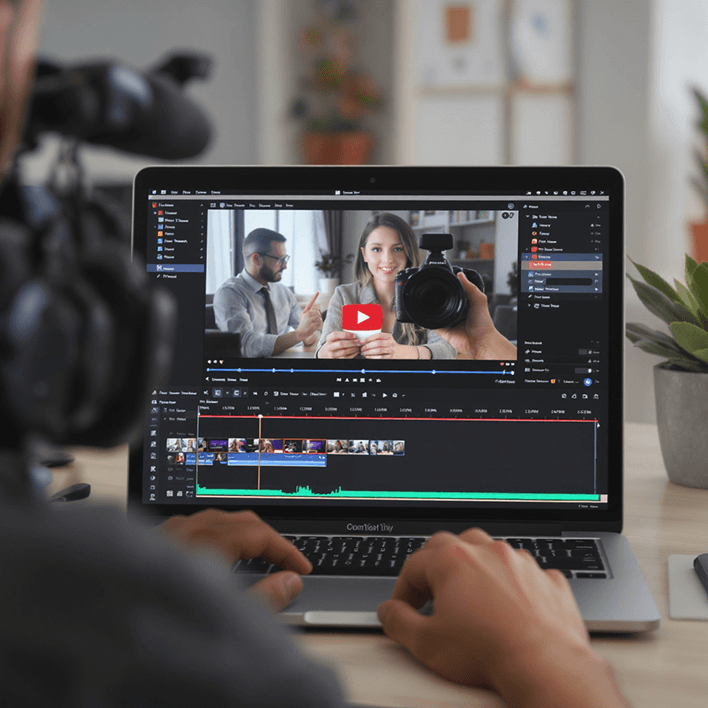
Built on 20+ video models
SmartlyQ does not render one house style. It connects to 20+ current video models and lets you pick the one that suits the shot.
From a text prompt, the model builds the scene from what you describe: subject, setting, lighting and camera movement.
From a still image, it reads depth and composition and adds motion while keeping your original framing, so product photos, logos and artwork move without being redrawn.

What you can make
What you can make
Text to video
Type what you want to see and the model renders it as a new clip, not a stitch of stock footage.
Be specific about the subject, the setting, the lighting and how the camera should move. The more concrete the prompt, the closer the first result.
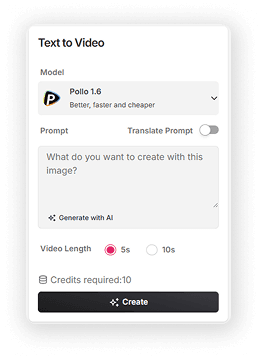


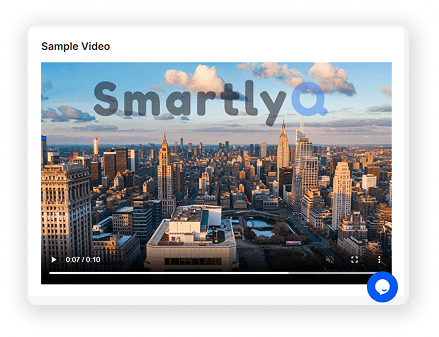
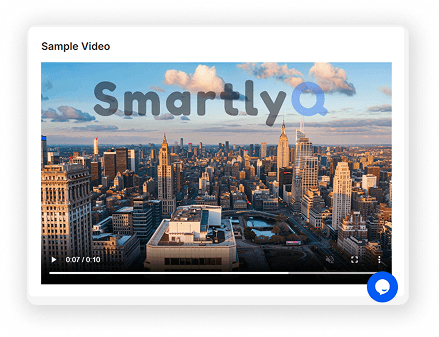
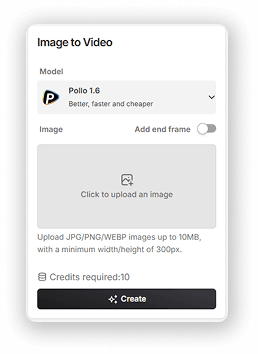
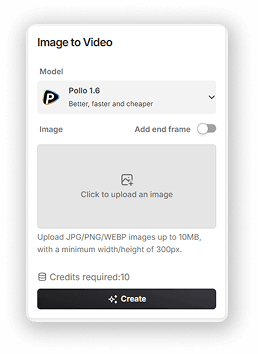


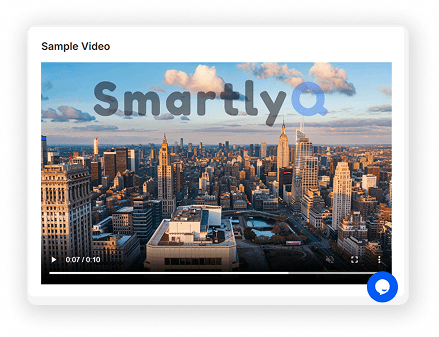
Image to video
Upload a product shot, a logo, a piece of artwork or a screenshot. The model reads the depth and composition of the still and adds motion around it.
The framing you chose stays; the subject moves. A product photo becomes a short clip without a reshoot.
20+ models to choose from
Pika for photorealistic product and lifestyle clips.
Luma Ray for cinematic lighting and composition.
Veo (Google) for natural physics and movement.
Kling for fluid, realistic motion.
Each model has its own strengths, and you can switch between them per generation.



What changes when video
takes minutes
What changes when video takes minutes

Speed
A concept goes from idea to first cut the same afternoon. Test it today instead of scheduling a shoot for next month.
Cost
Generation is paid in credits from your plan, not per project. That makes a second and third version affordable.

Scale
One video per product, per campaign and per channel becomes realistic when each one is a prompt rather than a production.
Common questions
Common questions
Will the videos look professional?
How much control do I have?
Can I use the videos commercially?
What if my industry is specialised?
How is usage billed?
Agencies vs DIY vs SmartlyQ
Professional video without the agency invoice or a weekend lost to editing software.
Video agencies
- Cost per videoQuoted per project
- Time to createWeeks
- QualityProfessional
- CustomizationPaid revision rounds
- ScalabilityCostly per extra video
- Commercial rightsIncluded
DIY & stock footage
- Cost per videoStock licences plus your time
- Time to createHours
- QualityDepends on your skills
- CustomizationWhatever you can build
- ScalabilityLimited by your time
- Commercial rightsPer-clip licensing
SmartlyQ AI
Best value- Cost per videoAI credits from your plan
- Time to createMinutes
- QualityProfessional
- CustomizationRegenerate with a new prompt
- ScalabilityLimited by your credits
- Commercial rightsIncluded
Ready to make your first video?
What you get:
20+ video models, including Pika, Luma Ray, Veo and Kling
Text-to-video and image-to-video generation
HD exports
Commercial use of everything you generate
Formats for TikTok, Instagram, YouTube and Facebook
30-day money-back guarantee